
We are a LINKSWELL authorized dealer so you get up-to-date, fully warrantied products. Shipping is free to the lower 48 states on everything you order!
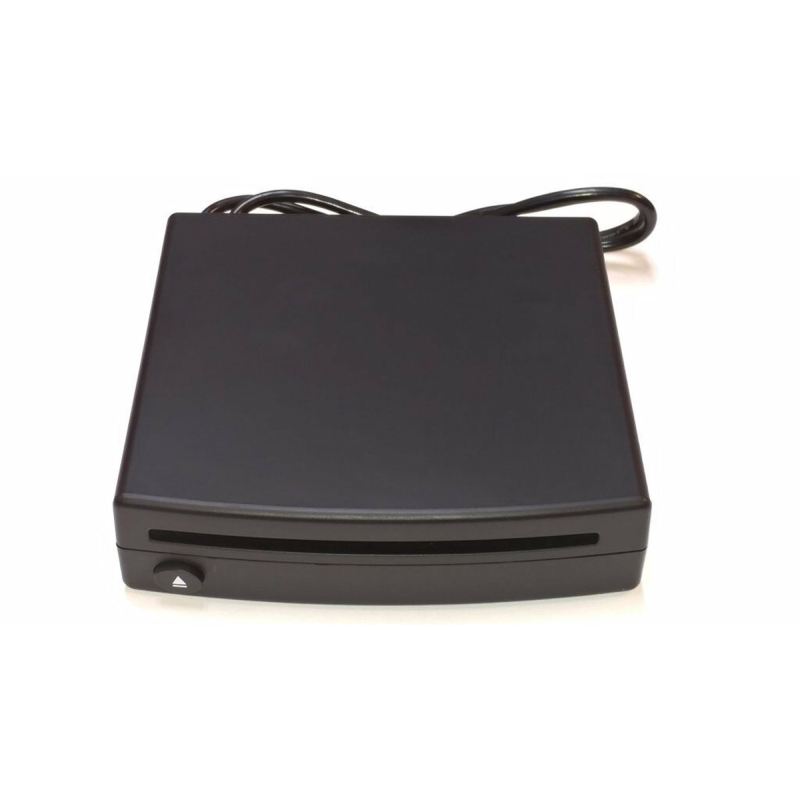
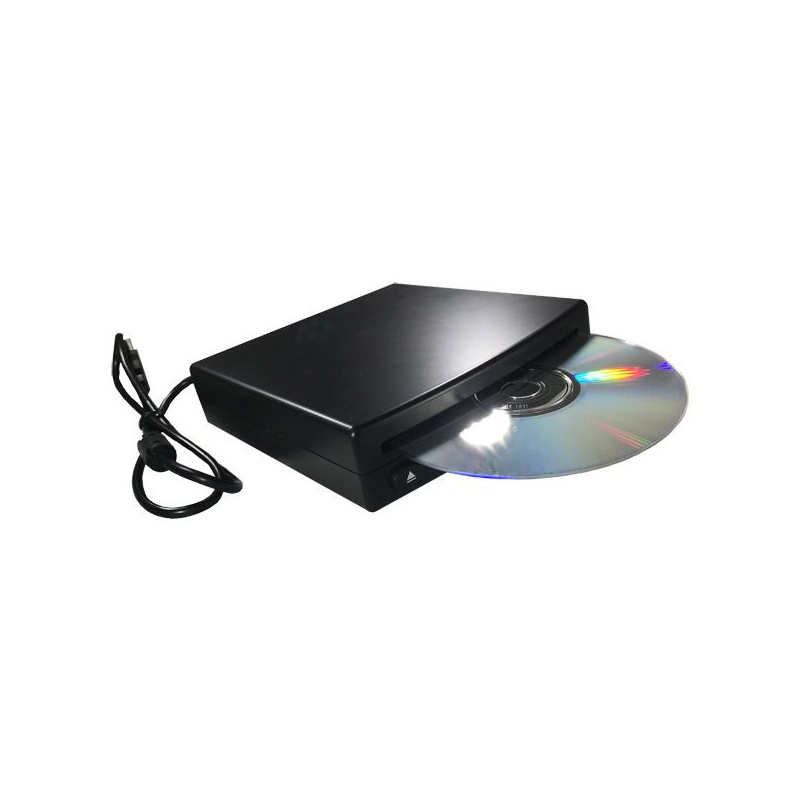
Bring your physical disc collection back to life! Designed to plug directly into any data-capable USB port, this compact player gives you full on-screen touchscreen control directly from your compatible Linkswell T-Style radio. Whether you're playing classic audio CDs, movie DVDs, or custom-recorded M4A audio files on DVD, seamlessly navigate tracks and media right from your main display without taking up extra space or altering your dash layout.
It is completely USB powered and controlled for an effortless, clean install. Just connect it to your vehicle’s factory USB data port, and you’re ready to enjoy crisp, high-quality disc playback on the go. It’s the ultimate add-on for enthusiasts who want maximum media flexibility without sacrificing a clean interior.
Features:
We are a LINKSWELL authorized dealer so you get up-to-date, fully warrantied products. Shipping is free to the lower 48 states on everything you order!
Bring your physical disc collection back to life! Designed to plug directly into any data-capable USB port, this compact player gives you full on-screen touchscreen control directly from your compatible Linkswell T-Style radio. Whether you're playing classic audio CDs, movie DVDs, or custom-recorded M4A audio files on DVD, seamlessly navigate tracks and media right from your main display without taking up extra space or altering your dash layout.
It is completely USB powered and controlled for an effortless, clean install. Just connect it to your vehicle’s factory USB data port, and you’re ready to enjoy crisp, high-quality disc playback on the go. It’s the ultimate add-on for enthusiasts who want maximum media flexibility without sacrificing a clean interior.