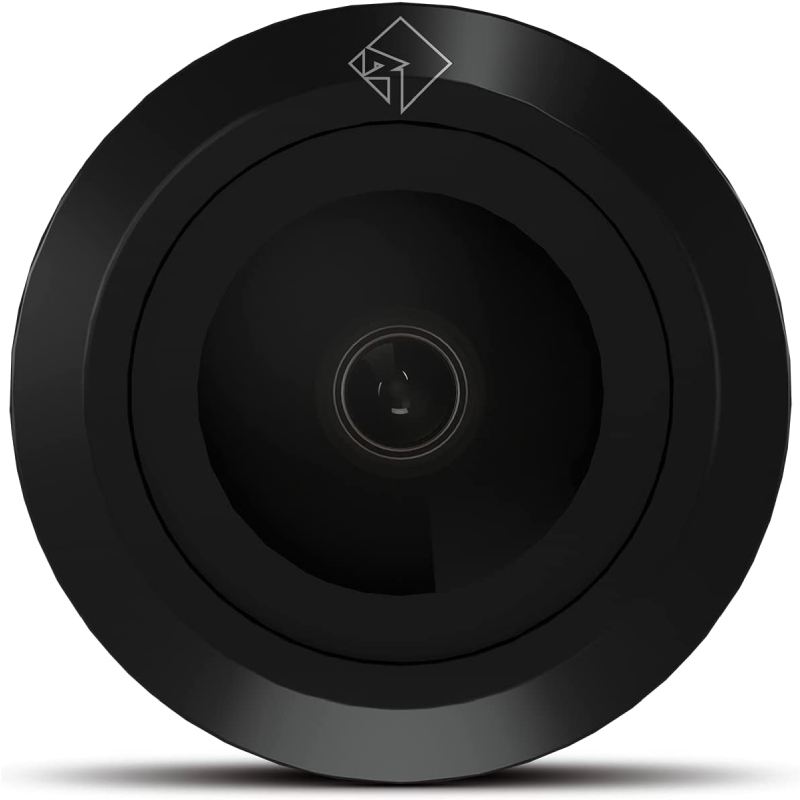
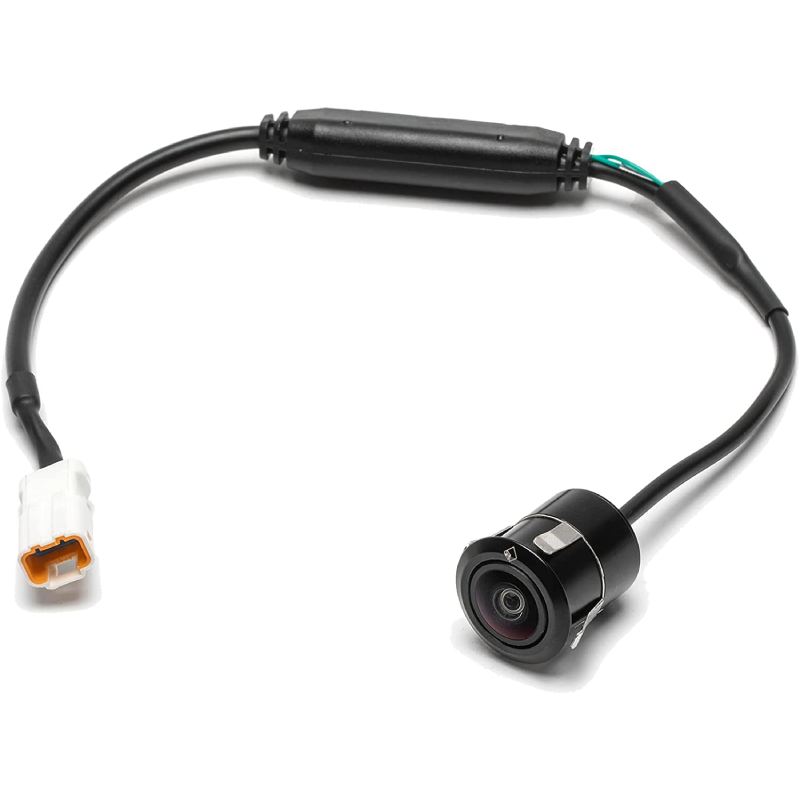
Rockford Fosgate MX-CAM Motorsports Camera Kit add-on for STG5 and STG6 with PMX Compatibility

We are a Rockford Fosgate authorized dealer so you get up-to-date, fully warrantied products. Shipping is free to the lower 48 states on everything you order!
What's Inside?
- • Motorsport Camera
- • Owner's Manual
Limitless Lighting Experience
Adjust your own bright, wide, and limitless lighting experience with the Rockford Fosgate Color Optix™ plug-and-play controller and App.The MX-CAM is a universal camera, purpose-built for motorsports applications, making it a perfect add-on for Stage-5 and Stage-6 Color Optix™ kits. The high-resolution color camera provides a crystal-clear picture for backing-up or rock-crawling.
Plug-and-Play Design:
Minimal drilling, no cutting and designed to work right out of the box. Simple installation ensures less time in the garage and more time out riding.When paired with a vehicle specific installation kit, the T-harness allows for easy, error proof connections along with mounting brackets for a direct fit on select Polaris® and Can-Am® models. Harness plugs directly into PMX-3 and PMX-8 source units with an included trigger wire adaptor.
Frequently Asked Questions (FAQ)
- • Why Does My MX-CAM Show a Black Screen?
A black image can occur when the camera is powered but the video signal is not reaching the head unit. Check the camera connector, video cable, and selected video input before replacing the camera. Rockford's wiring diagram shows separate connections for camera power, video input, and the reverse-camera trigger.
- • Why Does the Camera Work but Not Automatically Switch When I Reverse?
The MX-CAM requires the reverse-camera trigger to be connected correctly. If the picture only appears when the camera input is selected manually, inspect the trigger wire and vehicle-specific harness connection.
- • Why Does My MX-CAM Picture Flicker While Driving?
Intermittent video on rough terrain can point to a loose connector, damaged cable, or insufficiently secured wiring. Since the MX-CAM is designed for off-road vibration, carefully inspect every connection if the image changes when the vehicle hits bumps.
- • Why Is the Camera Image Upside Down After Installation?
The mounting orientation matters because Rockford's installation documentation identifies the top of the camera with a diamond marking. Reposition the camera according to the marked orientation before changing wiring or replacing the unit.
- • Why Does My MX-CAM Work During the Day but Look Poor at Night?
Low-light conditions can make any backup camera appear darker or less detailed. Check the camera lens for mud, dust, or water droplets and verify that the display's brightness and contrast are properly adjusted.
- • Why Does Mud Quickly Make My MX-CAM Image Unusable?
Off-road cameras are frequently exposed to mud, dust, and water. Rockford designed the MX-CAM for this environment with protection against water, dust, UV exposure, corrosion, temperature changes, and vibration, but the lens can still become physically covered during aggressive trail riding.
- • Why Does My MX-CAM Have a Clear Picture but No Parking Guidelines?
The camera itself and the display's parking-line function are separate features. If video is working normally but guidelines are missing, check the head-unit camera settings rather than assuming the MX-CAM has failed.
- • Why Won't the MX-CAM Fit My UTV Without Extra Work?
The MX-CAM uses vehicle-specific mounting kits such as MX-CAM-RZR14, MX-CAM-X317, and MX-CAM-RNGR18. Using the wrong mounting kit can create alignment or installation problems, so the vehicle-specific version should match the UTV before installation.
- • Why Did My MX-CAM Stop Working After Washing the UTV?
Water exposure should not normally be a reason to immediately condemn the camera because it was developed as an Element Ready motorsports product. However, inspect the connectors, harness junctions, and mounting area for water intrusion or a loose connection after washing.
- • Why Does My MX-CAM Have No Picture Even Though Everything Looks Connected?
A visually connected harness can still have an incorrect trigger, video-input, or power connection. Rockford's installation diagram separates the reverse trigger, video input, and camera connection, so verify each circuit individually rather than relying only on a visual inspection.
Features:
- Designed for MX-CAM-RZR14, MX-CAM-X317, MX-CAM-RNGR18 vehicle specific mounting kit
- HD Video Resolution for crystal clear image
- Element Ready™ to withstand the harsh outdoor environment
- Image display switchable from mirror to normal to accommodate rear or front installation
- 2-Year Warranty
Specifications:
- Image Sensor: 1/4" CMOS
- Resolution: 680 x 488
- Lens: 120(H), 89(V)
- Video Output: 1.0Vpp Composite, 75-Ohms
- S/N Ratio: > 42dB
- Minimum Illumination: 0.1 Lux
- Mirror Image: OFF = cut mirror option wire / ON = connect mirror option wire
- Operating Temp: -30 to +70 Celcius
- Cutout Diameter: 19mm (0.75")
- DC Power: 12V, 70mA
- Operating Voltage: DC 12V (8V-15V)
- In The Box: (1) Eyeball camera with 11" pigtail
- Shipping Weight: 0.3 Lbs. (0.14 Kg)
- UPC: 780687355463
- Weight: 0.3
- Authorized Internet Dealer
Warranty: 2 Year(s) Warranty.
This item is accompanied by a manufacturer's warranty. If it is found to be defective, it may be returned to OnlineCarstereo.com for replacement within 2 Year(s) from the original date of purchase with proper return authorization.